

You don’t have to drop $1,000 to get a laptop that can handle everyday computing, you know. That said, spending $500 wisely matters here.
At this price, some laptops make reasonable compromises while others cut way too many corners. For most folks, I’d recommend opting for a laptop with a 1080p display and at least 8GB of RAM (16GB is always better if you can swing it).
While you shouldn’t expect premium features at this price point, there are plenty of laptops that offer excellent day-to-day performance. Here are the best ones we’ve found so far.
Why you should trust PCWorld for laptop reviews and buying advice: It’s in our name! PCWorld prides itself on laptop experience and expertise. We’ve been covering PCs since 1983, and we now review more than 70 laptops every year. All of our picks have been personally tested and vetted by our experts, who’ve applied not only performance benchmarks but rigorous usability standards. We’re also committed to reviewing PC laptops at every price point to help you find a machine that matches your budget.
At this price, you’re not shopping for premium performance, you’re looking for the fewest painful compromises.
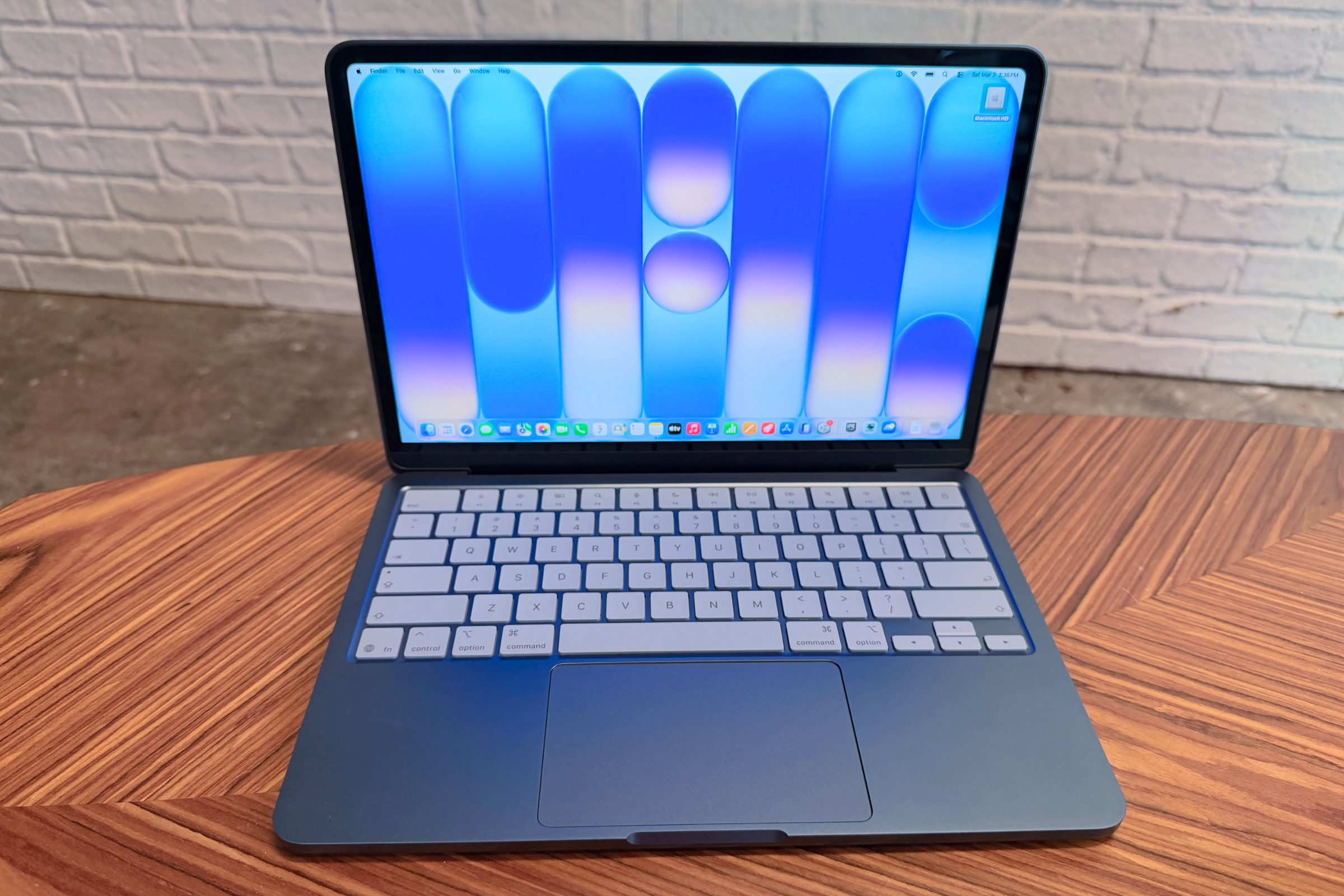
If you can stretch your budget just a tiny bit, the MacBook Neo (2026) is easily the best cheap laptop you can buy right now. We know it goes over our $500, but the jump in quality and performance… well, it’s just too good to ignore. It simply doesn’t feel like a budget laptop.
You’re getting the full MacBook experience. The all-aluminum build feels as premium as more expensive models, and the A18 Pro chip delivers fast, responsive performance for everyday tasks like writing and streaming. In our review, we noted that apps open quickly and multitasking feels smooth. Battery life is another big win, lasting well over a full workday in real-world use. The 13-inch Liquid Retina display is also sharp at 2408×1506 resolution and bright at 500 nits–a strong combination at this price point.
The MacBook Neo is pretty much the complete package as far as budget laptops go. You don’t get the premium extras like Thunderbolt connectivity or a high-end webcam, but that’s not wholly unsurprising for a laptop at this price point. What really matters is that it feels fast and is well-built. It’s reliable in a way most Windows laptops aren’t.
Read our full Apple MacBook Neo review
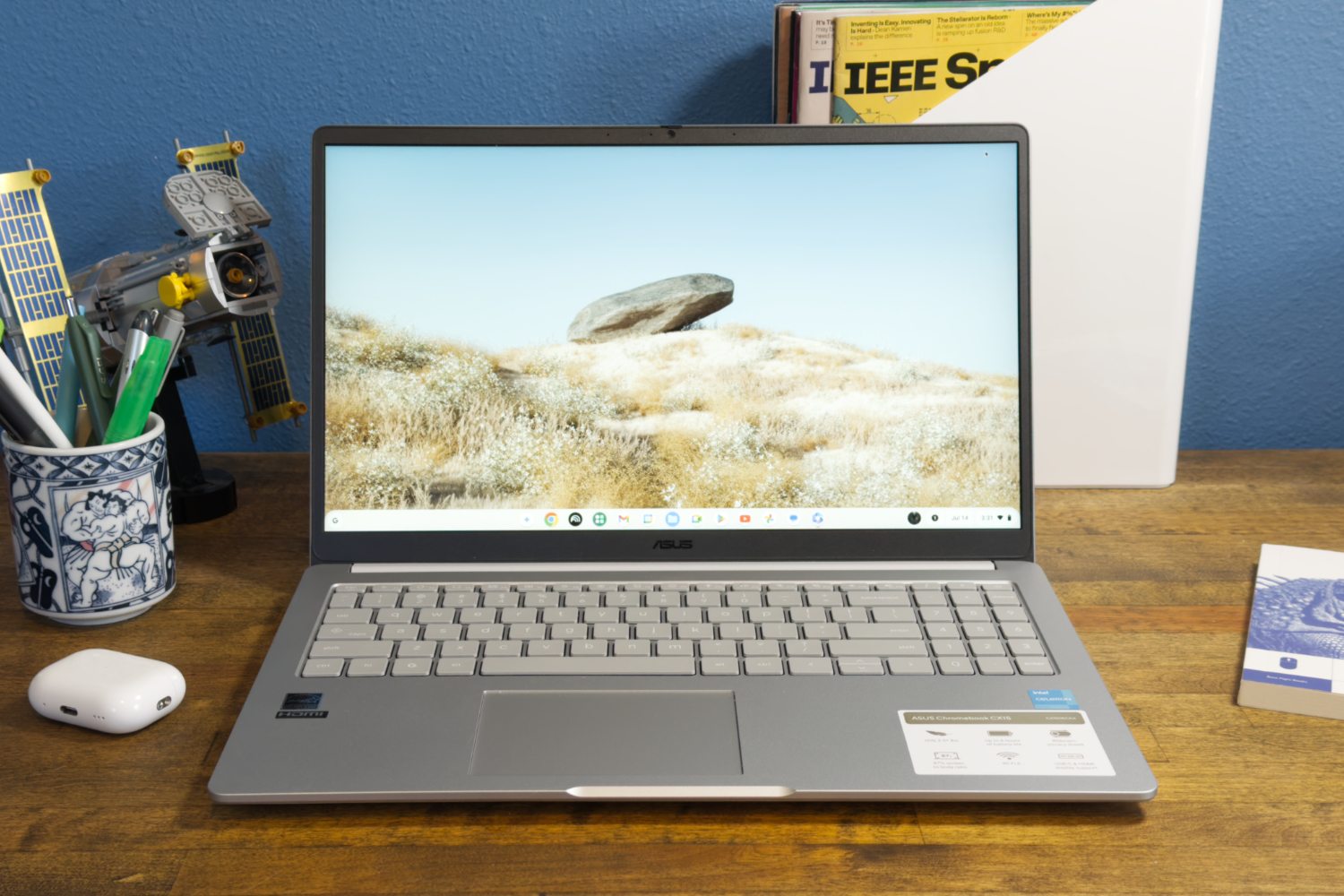
If you need a laptop that won’t make your wallet cry, the CX15 does the basics really well. It handles web browsing, streaming, and email like it’s nothing, and the 15.6-inch 1080p screen plus the full-sized keyboard actually make it feel more solid than the price suggests.
The Intel Celeron N4500 with 4GB of RAM handles the basics fine–web browsing, streaming, email, all that. But try to do too much at once and it’ll start dragging. Battery life’s also fine, a little over 10 hours on a single charge, so you’ll probably get through a full day. Not record-breaking by any means, but it does the job.
Read our full Asus Chromebook CX15 review
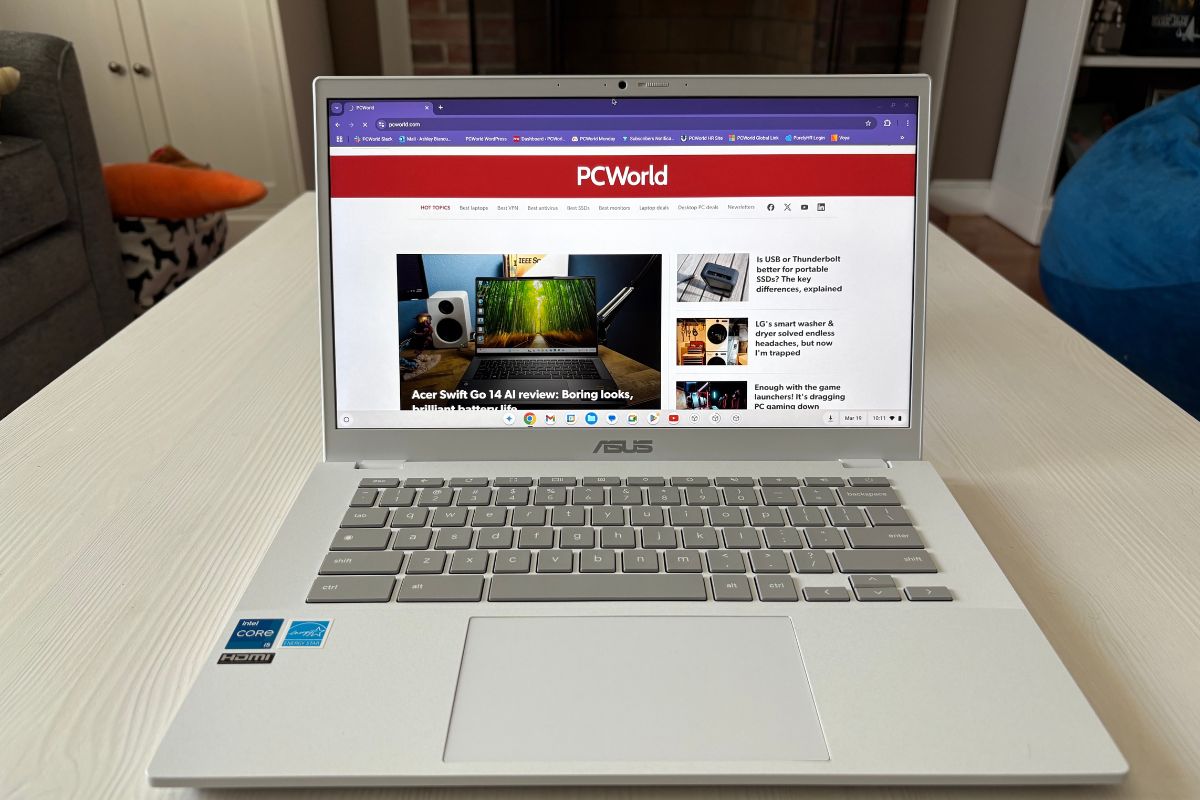
If you’re not running Photoshop or playing AAA games, the Asus Chromebook Plus CX34 absolutely gets the job done. The Intel Core i5 and 8GB of RAM keep everything zipping along, even with a dozen tabs open and a video call going.
It’s lightweight, looks clean with that white finish, and has a 1080p display that’s easy on the eyes. The webcam’s full HD too, which makes a real difference on Zoom or Google Meet. No weird lag or blurry faces here.
The CX34 keeps it simple and just works. It boots fast, stays responsive, and doesn’t run hot or loud. Chrome OS has come a long way, and if you mostly live in a browser, this setup is kind of ideal.
Read our full Asus Chromebook Plus CX34 review
The PCWorld team puts each and every Windows laptop through a series of benchmarks that test GPU and CPU performance, battery life, and overall usability. The idea is to push the laptop to its limits and then compare it against others we’ve tested. Chromebooks, on the other hand, go through a series of web-based tests.
For a much deeper look at our review methodology, check out how PCWorld tests laptops.
Hi, I’m Ashley Biancuzzo, and I oversee all laptop and Chromebook coverage at PCWorld. While you’ll see me review Chromebooks on occasion, I’m also really into the broader world of consumer tech. I spend a lot of time writing and thinking about where laptops are headed–from AI and sustainable designs to long-term trends. When I’m not deep in the world of tech, you’ll probably find me gaming, getting lost in a good book, or chilling with my rescue greyhound, Allen.
Ah, here we are at the billion dollar question. Do you spring for a basic Chromebook or go for a Windows laptop with more features? Honestly, it mostly comes down to your lifestyle and what you’re expecting from a laptop under 500 bucks. You’re not gonna get some super-powerful beast at that price, but if you just need something for the basics, there are a lot of decent options out there.
Chromebooks, for example, are super budget-friendly and the battery life is awesome. I actually use one myself for work (writing, editing, all that) and it does the job just fine. If you travel a lot, it’s worth going for something that’s nice and light — under three pounds, if possible. Still not sure what to get? No big deal, take your time figuring it out. I’ve put together a list of quick buying tips below.
MacBook Neo (2026) is the best cheap laptop you can get right now, hands-down. Performance is fast and reliable, and battery life is surprisingly good at 13+ hours. It doesn’t cut corners in many areas either, a rarity in a budget machine.
If you want a solid Chromebook under $500, the Asus Chromebook Plus CX34 is fast, smooth with tabs and video calls, has a sharp 1080p screen, and a good HD webcam. It’s just plain simple and reliable.
Most laptops under $500 don’t let you upgrade RAM because it’s soldered on, but some do let you swap or add storage. Check before you buy if that stuff matters to you.
When people say “laptop,” they usually mean a PC or a Mac. But Chromebooks are laptops too, they just run Google’s Chrome OS instead of Windows or macOS. So, yeah, all Chromebooks are laptops, but not all laptops are Chromebooks. They’re mostly built for Google apps like Drive and Docs, so they work best when you’re online.
Eh, not really. If gaming’s your thing, you’ll probably wanna look at a Windows laptop or a Chromebook designed for cloud gaming. Both will be more expensive than a basic Chromebook. Most Chromebooks are fine for web games and Android stuff, but that’s about it. With a gaming Chromebook, you will need to subscribe to a cloud gaming service such as GeForce Now and have a reliable internet connection.
Yes, some of the latest processors with integrated graphics can run modern PC games at decent enough settings. For example, we found that in our tests, Intel’s latest Iris Xe line of processors with integrated graphics can run some of the latest games at 1080p and 30fps. Unfortunately this is not the case for all integrated graphics and your mileage may vary drastically with older tech.
Intel and AMD’s integrated graphics have made huge leaps in recent years with regard to gaming performance. If you’re on a budget or looking for an ultra-thin laptop with integrated graphics you need not worry, you can still game on.


